
One person, one Gmail, a list that matters.
You know the fifty companies you want and you want the emails to come from you. Pedibee keeps them in one place, sends from your own account and leaves follow-ups to a sequence.
Import a spreadsheet of companies and the people at them, or add them one at a time.
Write one email with merge tags and a signature. The inbox check warns before you send.
Enrol people in a three-step sequence. Replies you mark stop the follow-ups.
See who opened and clicked on the company page, and set a follow-up date on anyone warm.

Several senders, one workspace, one set of rules.
Each rep connects their own Gmail. Campaigns pick a sender or use the default, pace is per account, and warm-up protects a new rep while the rest of the team keeps sending.
Connect each rep’s Google Workspace account. Managers connect, reconnect and set the default.
Warm up new accounts over 30 sending days while campaigns from them stay capped.
Launch campaigns with a backup Gmail that takes over when the main one hits its daily limit.
Assign companies to owners, filter by engagement and follow-ups due, and act in bulk.

A workspace per client, nothing shared between them.
Every client is its own workspace with its own people, Gmail accounts, tracking domain, templates and team. You switch between them from one account.
Create a workspace per client and connect the client’s own Gmail accounts, so mail comes from them.
Set up a tracking subdomain on the client’s domain. Opens and clicks never touch yours.
Invite the client as a member so they can read everything without changing it.
Use domain health and Postmaster data to show deliverability over time.

Emails that react to what people do in your product.
Send an event from your app, Stripe or Paddle and a journey starts for that person: a welcome series, a trial reminder, or dunning that stops the moment the invoice is paid.
Connect Stripe or Paddle in the wizard, or send events through the REST API or a webhook.
Build the journey: waits, branches, goals and exits, with merge tags from the event.
Mark it transactional or marketing. Each category has its own sending rules.
Watch each person’s run, and the decisions each event made, in the automation report.
What every team gets

In every workflow
- Every email from a Google Workspace account you connect, with send-only permission.
- Opens and clicks on a subdomain of your own domain, scanners separated from people.
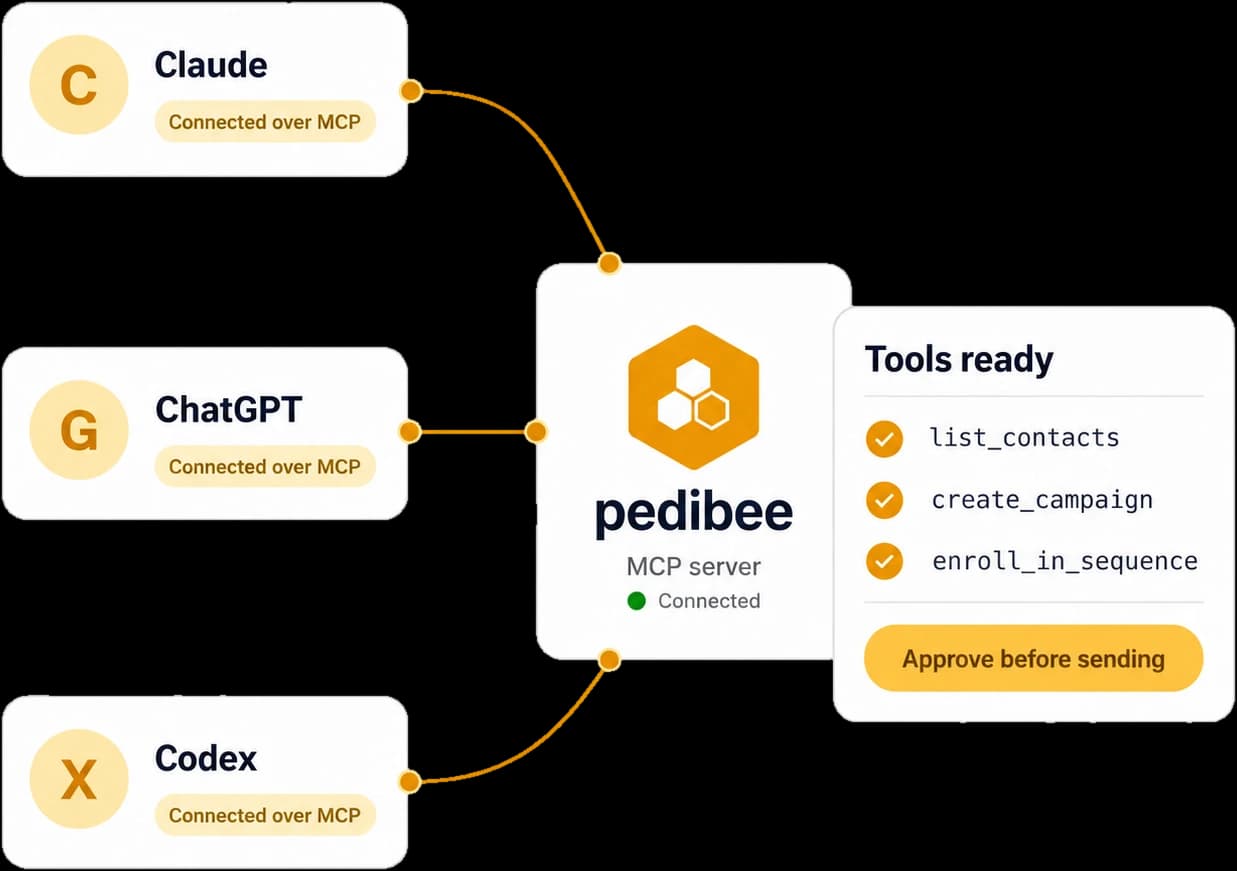
- Your own assistant through the MCP server, with access capped at your role.
- Warm-up, verification, domain health and the inbox check built in.
- Unsubscribe links and one-click headers on every campaign and sequence.
- Free to start, no credit card, no AI add-on to pay for.