Compared row by row
| Compared on | Pedibee | Typical outreach tools |
|---|---|---|
| Sends from | Pedibee: Your own Google Workspace Gmail, in its Sent folder, from your name. | Typical outreach tools: Shared sending infrastructure or inboxes rented from the vendor. |
| Tracking links and pixels | Pedibee: A subdomain of your own domain, certificate issued for you. No domain, no tracking. | Typical outreach tools: The vendor’s tracking domain, so your emails carry their reputation. |
| Inbox access | Pedibee: Send-only. Nothing reads, searches or stores your mail. | Typical outreach tools: Full mailbox access, usually to detect replies. |
| Reply handling | Pedibee: You mark a reply; sequences for that person stop at once. | Typical outreach tools: Automatic detection, in exchange for reading the inbox. |
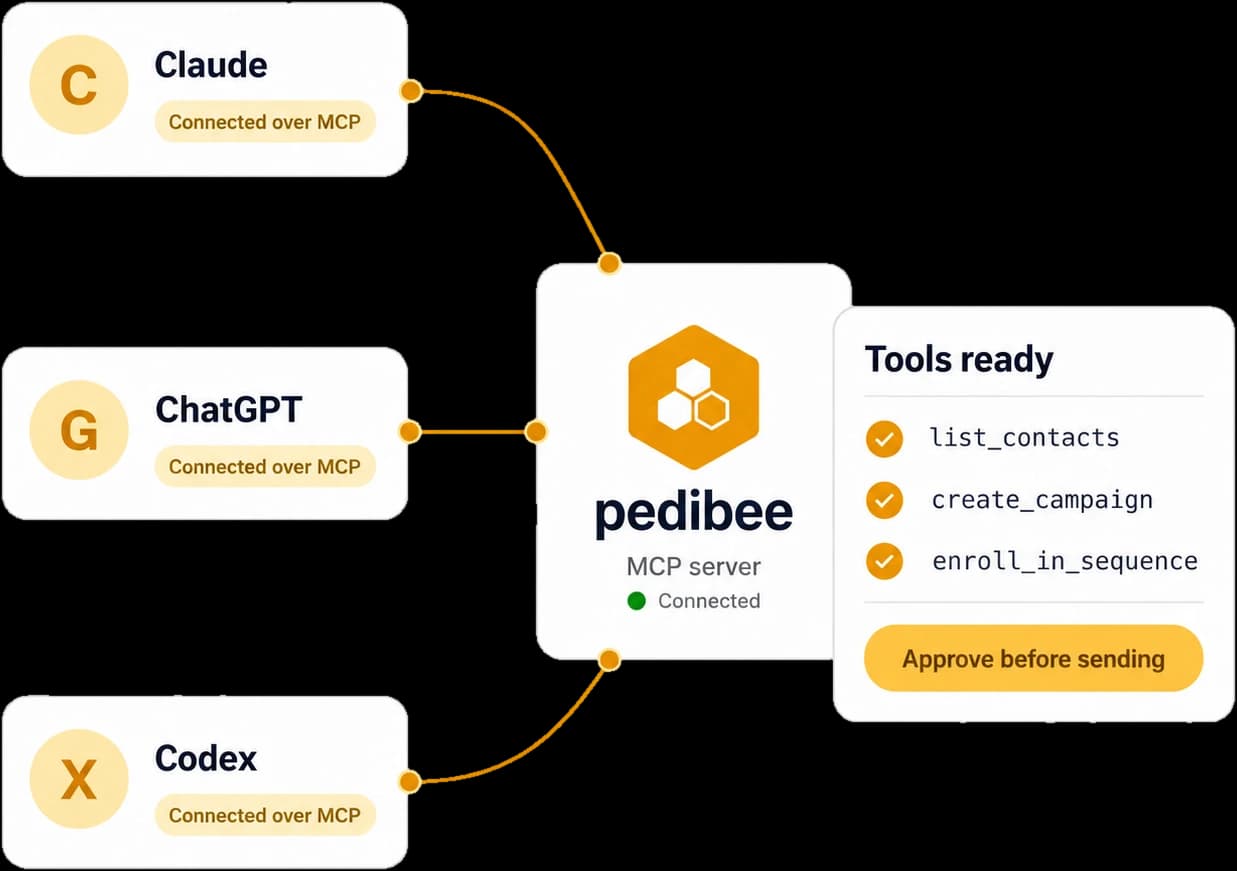
| AI | Pedibee: Your own assistant through MCP, with access capped at your role. | Typical outreach tools: A built-in writer, priced per seat or per credit. |
| Automations | Pedibee: From your product events, Stripe and Paddle, with waits, branches and goals. | Typical outreach tools: Usually a separate product, or a basic trigger list. |
| Deliverability | Pedibee: Warm-up, verification, domain health, Postmaster data and an inbox check, included. | Typical outreach tools: Often add-ons, or a third tool. |
| Sending limits | Pedibee: 1,900 a day per account, under Google’s limit, shared by everything that account sends. | Typical outreach tools: Vendor limits, sometimes raised by rotating domains. |
| Unsubscribes | Pedibee: Visible link plus a one-click header on every campaign and sequence, honoured everywhere. | Typical outreach tools: Varies; often a link only. |
| API | Pedibee: REST API with scoped keys, and an MCP server, both documented. | Typical outreach tools: Varies; sometimes on a higher plan. |
| Pricing | Pedibee: Free to start, no credit card. Paid plans priced for the product, not for AI credits. | Typical outreach tools: Per seat plus credits for AI, verification or extra inboxes. |
“Typical outreach tools” describes common patterns across the category, not any one product. Check each vendor’s current terms.
What you give up, on purpose
Each of these follows from keeping sending, tracking and AI on your side. If one is a deal-breaker, another tool will serve you better.

Google Workspace only
If your team is on Microsoft 365 or personal Gmail, Pedibee cannot send for you today. We would rather say so here than after you import your list.

Replies are marked by hand
No inbox access means no automatic reply detection. One click stops the sequence, and your assistant can do it for you.

No built-in AI writer
Pedibee assumes you already have an assistant and gives it the tools, instead of drafting for you out of the box.

A ceiling per account
Every Gmail stops at 1,900 a day and we never rotate addresses or domains. Connect more accounts to send more.
A good fit if your reputation is worth more than your volume.
Teams on Google Workspace who want every email to come from a real person at their company, measured on their own domain, with the assistant they already use doing the busywork.
Who Pedibee is forA poor fit if you need volume at any cost.
Teams on Microsoft 365, teams that want tens of thousands of emails a day from rotating domains, and teams that want an AI to write every email inside the tool.
Why we build it this way