From your Gmail to their inbox
Connect your Gmail
Sign up with your work email and connect a Google Workspace account. Google shows one permission: send email. Connect as many as you like.
Point a subdomain at Pedibee
Add one CNAME record, like track.yourcompany.com, and the certificate is issued for you. Every pixel and link then uses your domain.
Add your people
Import a spreadsheet of companies and contacts, add them by hand, sync them through the API, or let your assistant do it.
Write once
A template in the builder or HTML, with merge tags and fallbacks, a signature and preview text. The inbox check warns about anything filters dislike.
Send at a human pace
A campaign sends one email at a time inside your window, under the daily limit, skipping anyone who should not get it. A sequence follows up over days.
See what happened
Opens, clicks and replies on each person, the links they clicked, and the dashboard numbers counted from the same records.
Why one email at a time is faster in the end
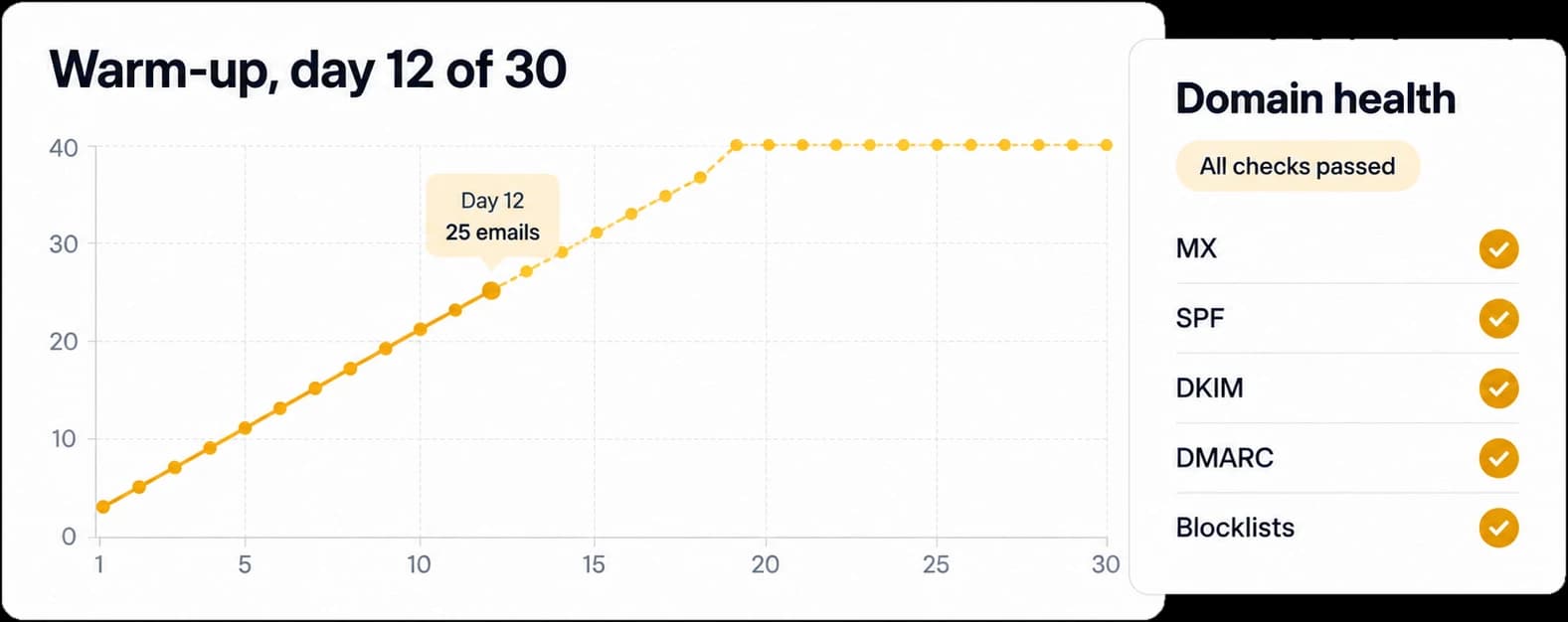
Bursts get filtered. A steady trickle from a warmed-up account on your own domain lands, and keeps landing. Pedibee enforces the pace so you never think about it.
- 1,900 a day per Gmail, shared by everything it sends.
- A sending window in your audience’s time zone.
- A random gap between emails, so the pattern looks human.
- Lower limits while a new account warms up.
Yours, not rented
Most outreach tools make you borrow their sending, their domain and their AI. Pedibee keeps all three with you.
| Compared on | Pedibee | Typical outreach tools |
|---|---|---|
| Sends from | Pedibee: Your own Google Workspace Gmail, in its Sent folder, from your name. | Typical outreach tools: Shared sending infrastructure or inboxes rented from the vendor. |
| Tracking links and pixels | Pedibee: A subdomain of your own domain, certificate issued for you. No domain, no tracking. | Typical outreach tools: The vendor’s tracking domain, so your emails carry their reputation. |
| Reply handling | Pedibee: You mark a reply; sequences for that person stop at once. | Typical outreach tools: Automatic detection, in exchange for reading the inbox. |
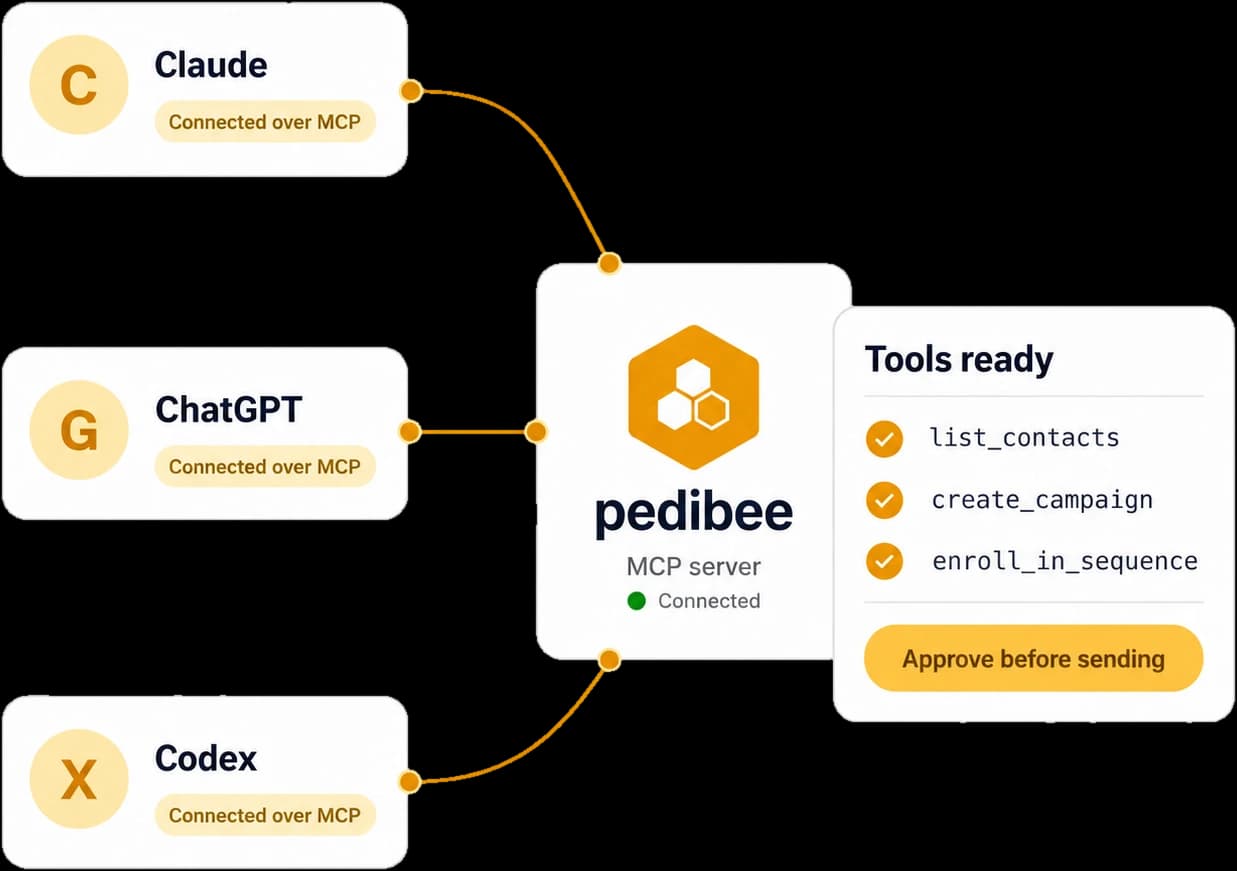
| AI | Pedibee: Your own assistant through MCP, with access capped at your role. | Typical outreach tools: A built-in writer, priced per seat or per credit. |
| Automations | Pedibee: From your product events, Stripe and Paddle, with waits, branches and goals. | Typical outreach tools: Usually a separate product, or a basic trigger list. |
| API | Pedibee: REST API with scoped keys, and an MCP server, both documented. | Typical outreach tools: Varies; sometimes on a higher plan. |